
Planning smart systems while a house is being built is the single best moment to shape how the home will live and breathe for decades. Decisions made in framing, routing, and rough-in stage ripple outward — affecting performance, cost, and the everyday experience of the people who will live there. This article walks through a practical, contractor-friendly approach to Smart Home Technology Integration During Building, with specifics on wiring, networking, devices, and the human factors that make automation delightful rather than frustrating.
Why integrate smart systems during construction?
Integrating smart home elements during construction saves time and money compared with retrofitting after walls are closed. Wiring, conduit, and strategic device placement are far easier and less expensive when electricians and framers can work together rather than opening drywall later.
Beyond cost, early planning yields better reliability and higher performance. Hardwired networks, centralized enclosures, and planned power distribution reduce latency, interference, and the frequent “one-off” fixes that plague post-build smart upgrades.
Finally, designing early lets you align technology with lifestyle goals. Whether the priority is energy efficiency, accessibility for aging in place, or a theater-grade AV system, a coordinated plan delivers a home that feels cohesive and intentional instead of patched together.
Getting stakeholders aligned: architects, builders, and homeowners
Smart integrations succeed when everyone involved understands the objectives. Architects need to allow space for equipment and cable runs in plans, builders must accommodate conduit and access panels, and homeowners should communicate priorities like privacy, security, and entertainment needs.
A kickoff meeting early in the design phase prevents surprises. Bring an integrator or experienced systems designer to review floor plans and highlight opportunities and constraints — such as the best location for a central hub, coverage challenges for Wi‑Fi, or where sensors should be placed for natural light sensing.
Make decisions about control philosophy early: Do you want a single-vendor, tightly integrated system, or a best-of-breed approach where devices from multiple manufacturers are bridged? Each choice has trade-offs in reliability, cost, and long-term flexibility.
Infrastructure basics: wiring, conduit, and service locations
Reliability often begins with the pipes and wires concealed behind walls. Plan for dedicated conduits from the main equipment rack to critical areas: garage, attic, living room, and exterior walls for cameras. Conduit sizes should allow for future cable growth — 1.25″ or 1.5″ conduits are common for main runs.
Decide on a central communications closet early and reserve space: a 2’x2′ dedicated closet or a utility room with access to ventilation and power is ideal. Place it near the main electrical panel and where external service drops (fiber or coax) enter the home to minimize intrusive cable paths.
Labeling and pull tapes are cheap insurance. Use individual sheaths or color-coded innerducts within larger conduits so specific infrastructure types — Ethernet, coax, speaker runs, or control wiring — can be pulled or replaced without disturbing others.
Below is a compact table showing common cable types and recommended minimum counts for a typical new-build single-family home.
| Purpose | Typical cable | Recommended minimum per room |
|---|---|---|
| Data/network | Cat6a (or Cat6) | 2 runs to living areas, 1 per bedroom |
| Video distribution | HDMI (or HDMI over fiber/coax) | 1 run to main TV locations; conduit to future locations |
| Coax | RG6 | 1–2 per living room/bedroom |
| Speaker wiring | 16/2 or 14/2 speaker cable | 2 runs per speaker location in living/theater |
| Control/signaling | 18/4 thermostat or dry contact | 1 per HVAC/zone or exterior gate |
Network design: the home’s nervous system
A robust local network is the backbone of every smart installation. Place a high-quality managed switch and a business-class router in the communications closet, and build the network with VLANs or subnetting to separate IoT devices from primary user traffic for security and performance.
Use wired Ethernet for fixed, high-bandwidth devices like media streamers, security DVRs, and smart hubs to minimize wireless congestion. Wi‑Fi is essential for mobile devices and many sensors, but rely on strategically placed access points rather than consumer mesh systems for predictable coverage.
Plan Wi‑Fi access point placement before drywall. Run Cat6 to ceiling locations for flush-mounted access points in open-plan spaces and to hallways for consistent coverage across multiple rooms. Consider dual‑band point density for homes with many devices.
Don’t forget external connectivity: confirm whether the build will have fiber, cable, or fixed wireless and where the service provider will terminate the cable. Early coordination reduces costly service-entry rework and ensures optimal router placement relative to the external handoff.
Power distribution, surge protection, and backup
Smart homes require more than the usual number of low-voltage devices drawing standby power. Design dedicated circuits and consider multiple outlets in equipment closets and behind entertainment centers. Centralize UPS (uninterruptible power supply) provision for critical systems like routers, security controllers, and door locks.
Whole-house surge protection at the main service panel plus point-of-use surge arrestors for sensitive gear helps guard against transient spikes. Label circuits clearly so technicians can perform safe maintenance without shutting down essential services accidentally.
For homeowners prioritizing resilience, integrate battery backup or a generator with automatic transfer and clear load-shedding plans. Prioritize the smart home core — networking, alarm, cameras, and key lighting — in any backup scheme to maintain safety and minimum functionality during outages.
HVAC integration and environmental controls
Today’s HVAC systems offer more than temperature control; they are central to comfort and energy management. Wiring for thermostats, zoning dampers, and ventilation controls is straightforward when done during rough-in. Reserve space for multi-zone controllers or energy management units in the equipment closet.
Zoning is particularly valuable in larger homes: motorized dampers and separate thermostats save energy and maintain comfort. Hardwiring for damper control and planning for sensor placement (sunlit rooms, stairwells, and bathrooms) yield more accurate, responsive systems.
Think beyond thermostats: integrate CO2, humidity, and volatile organic compound (VOC) sensors for healthy indoor air quality control. These sensors help automated ventilation strategies reduce energy use while maintaining occupant comfort and health.
Lighting and shading: designing for automation
Lighting controls are where smart homes feel tangible every day. Hardwiring for switched lighting circuits, dimmers, and smart controllers during construction prevents messy retrofits and preserves the aesthetic of finished walls. Group lighting circuits logically for scenes rather than strictly by switch location to enable creative automations later.
Include low-voltage control wiring for motorized shades and skylights, and route power for motors to accessible junction boxes. For high-end installations, plan a neutral conductor in every switch location to support electronic smart switches and sensors that require power.
Consider daylight harvesting and occupancy-based controls to reduce energy use. Photocell locations should be chosen with care to avoid false triggers from indoor reflections and to ensure they measure the correct zone of light for automated dimming strategies.
Security systems: cameras, sensors, and access control
Security is often both a functional and emotional priority for homeowners. Hardwiring camera points and door contacts during construction yields cleaner installations and better reliability. Position camera mount points with both field-of-view and sun position in mind to avoid glare and blown-out images.
For exterior protection run conduit to camera locations and pick camera types that support Power over Ethernet (PoE) to minimize local power runs. Inside, plan sensor placements for doors, windows, and motion detection with concealment and aesthetics in mind to avoid vandalism and false alarms.
Access control is increasingly smart: plan for wired or wireless locks, intercoms, and keypad locations during door framing. Provide a secure, grounded connection for any electric strikes or maglocks and route control wiring back to the central panel rather than through door casings where possible.
Integrate alarm and camera feeds with the home network but keep those devices on a segmented VLAN for security. Maintain logs and access policies in the design so that homeowners can audit who has access to cameras and locks and how data is retained or shared.
Audio-visual systems and distribution
High-quality audio and video require thought at the build stage. Run multiple speaker cables and at least one HDMI or HDMI-ready conduit to main listening areas. Consider ceiling speaker locations and conduit routes to allow future subwoofer or amplifier upgrades without opening walls.
For multiroom audio, designate an AV rack and route speaker runs to that location. Keep speaker run lengths reasonable and plan ventilation for rack-mounted amplifiers. If you intend to use distributed streaming devices, ensure each zone has a reliable wired data connection for low latency.
Home theater setups should be sited with wall depth and projection throw distance in mind. Run speaker, control, power, and HDMI conduit to the room before finishes to ensure a clean, uncluttered installation and to accommodate future 4K/8K signal requirements.
Sensors, automation logic, and control platforms
Sensors are the senses of a smart home — temperature, motion, light, humidity, door contacts, and more. Pick sensor locations during construction rather than improvising later; roof overhangs, frosted windows, and heat sources can all affect readings if sensors are poorly sited.
Decide on the automation platform philosophy: local-first controllers that run logic on-premises offer resilience and privacy, while cloud-first platforms simplify remote access and voice integration. Many integrators recommend hybrid architectures that keep critical automation local but leverage cloud services for non-critical convenience functions.
Design the control topology: will you have wall-mounted touchscreens, keypads, voice control, or smartphone-first interfaces? Plan for power and network connectivity to each control location and install mounting backboxes and a neutral where necessary.
Document automation rules at handover so homeowners understand what triggers what. Clear documentation reduces frustration and empowers owners to adapt rules as habits change rather than calling a technician for every tweak.
Interoperability, standards, and protocols
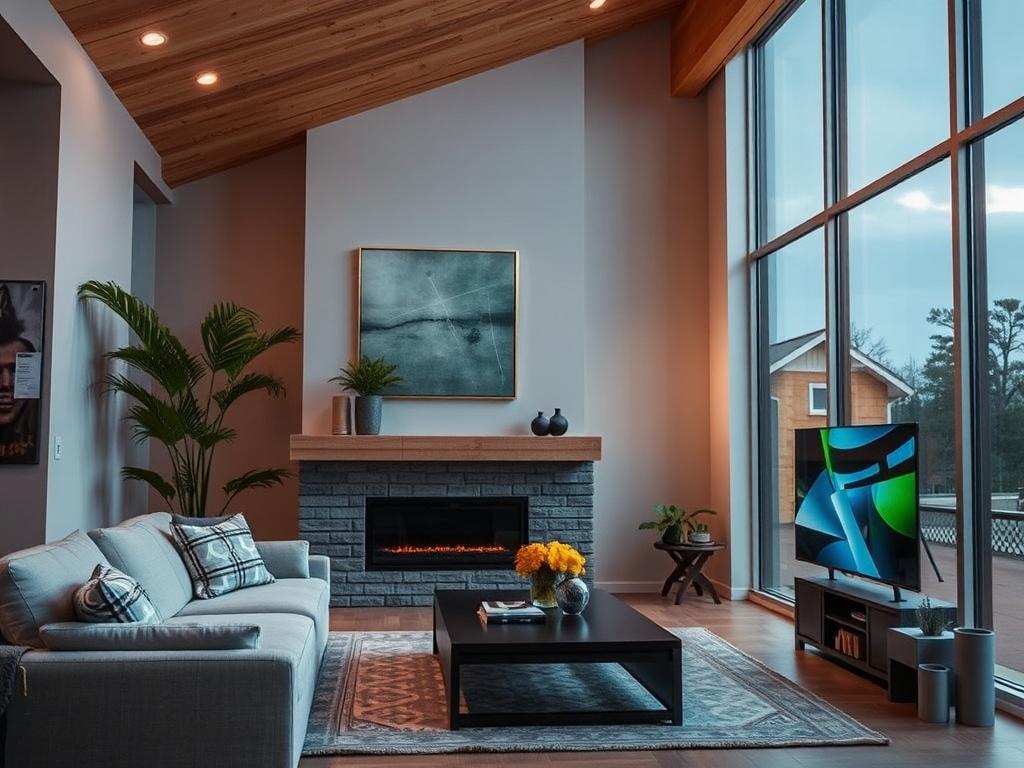
Device compatibility is a perennial headache in smart homes. Favor open standards and widely supported protocols — Ethernet, PoE, Zigbee, Z-Wave, Thread, and Matter — when possible to avoid vendor lock-in. Matter, in particular, is gaining traction as a means to unify device communication across ecosystems.
Understand the limitations of each protocol: low-power mesh radios are excellent for battery-operated sensors but are generally unsuitable for high-bandwidth tasks like video. Use Ethernet and PoE for cameras and hubs, and reserve wireless protocols for sensors and switches where wiring is impractical.
When designing the system, plan for protocol bridges or hubs in the equipment rack to translate between ecosystems if you choose a best-of-breed approach. Keep firmware update strategies in mind, and select vendors with strong ongoing support for security patches and interoperability updates.
Testing multi-protocol interactions in a lab environment or on a small pilot installation can reveal unexpected behaviors early, saving costly troubleshooting after deployment.
Privacy and cybersecurity from day one
Security isn’t just a camera on the porch — it’s a mindset. Start with network segmentation: place IoT and smart devices on separate VLANs behind firewalls, disable UPnP on the network gateway where possible, and use strong, unique administrative credentials for devices and the router.
Plan for remote access conservatively. Use VPNs or secure cloud services that support two-factor authentication rather than exposing device control ports to the internet. Include a policy for software updates that balances convenience and the need to patch vulnerabilities promptly.
Educate homeowners about data flows: cameras, voice assistants, and cloud services can collect sensitive data. Include options for local storage and processing where privacy is a priority, and outline retention periods for recordings and logs so owners can make informed choices.
Remember physical security too: lock the communications closet and secure external equipment with tamper-resistant housings. A compromised router or unlocked equipment rack is an easy way for attackers to escalate privileges inside a smart home.
Documentation, labeling, and commissioning
Good documentation is as valuable as good wiring. Create an as-built set with labels, a floor plan showing cable routes, IP address assignments, and a list of device credentials stored securely. This paperwork saves hours on future troubleshooting and simplifies upgrades.
Label both ends of each cable and conduit with consistent identifiers and maintain a master spreadsheet or a simple home automation app entry that maps devices to their locations. Proper labeling is the difference between a one-hour fix and an all-day mystery hunt.
Commission systems methodically. Test each device, verify network connections, run stress tests for Wi‑Fi load, and document baseline performance metrics. Provide the homeowner with a short user guide and change-management recommendations for how to handle firmware updates and password rotations.
Use this simple commissioning checklist as a starting point:
- Verify physical connectivity and cable labeling for all runs.
- Confirm power and UPS operation for essential equipment.
- Test VLANs, DHCP reservations, and internet failover.
- Validate sensor placement and automation triggers in situ.
- Record firmware versions and create a maintenance schedule.
Budgeting, phasing, and value engineering
Smart home projects can balloon in cost if the scope creeps. Break the project into phases: essential infrastructure (conduit, wiring, network), core systems (security, HVAC, lighting), and luxury add-ons (multiroom audio, home theater). Prioritize the foundation — good wiring and network — before allocating funds to bells and whistles.
Value engineering doesn’t mean cutting corners; it means making smart trade-offs. For example, running extra conduit to potential future locations costs little during rough-in but saves a lot later, while choosing a top-tier proprietary controller may provide limited practical benefit compared with a modular open system.
Always include a contingency line in the budget for unforeseen issues discovered during rough-in or site conditions that affect run lengths. A realistic contingency prevents decision fatigue mid-build and keeps momentum on schedule.
Working with contractors, integrators, and trades
Successful smart builds depend on relationships. Find electricians and HVAC contractors experienced with low-voltage work and who are willing to coordinate on shared penetrations and access panels. Bring integrators to coordination meetings with the trades to reduce assumptions and clarify responsibilities.
Define scope clearly in contracts: who supplies conduit, who pulls cable, who terminates and labels, and who tests. Avoid ambiguity by including a wiring matrix and a schedule of finishes tied to installation milestones so nobody’s left waiting for the next step.
Insist on testing and certification for critical runs, such as Cat6 testing and coax sweep tests. Make acceptance conditional on passing these tests and on the delivery of the as-built documentation and device inventories to the homeowner.
In my experience working on several custom homes, the best projects featured a single point of contact for smart systems who shepherded the installation across trades. That role prevents dropped balls and keeps technology aligned with the evolving needs of the design team and client.
Future-proofing: planning for change
Technology changes fast; infrastructure does not. Plan for upgradeability: run extra empty conduits, leave spare Cat6 runs, and reserve space and power in the equipment rack for future devices. Designers who anticipate additional bandwidth and device density build homes that adapt gracefully.
Choose modular systems and open APIs where possible to reduce the disruption of replacing a single failing component. A modern integrator should be able to replace a controller or add a new protocol bridge without full system rewiring if the physical infrastructure is well designed.
Document the retirement plan for devices and the migration path for critical systems like security recording. When possible, standardize on equipment form factors and mounting interfaces to simplify physical upgrades and replacements.
Real-life example: an integrator’s project walk-through
A recent project I worked on was a 3,800-square-foot home where the owners wanted strong Wi‑Fi, a reliable security system, and a flexible lighting scene engine. We started by locating the comms closet near the garage where the utility entrance was, allocated 42U of rack space, and planned ventilation and a dedicated 20A circuit.
We ran six Cat6a pulls to the living area, four to the master suite, and left three spare runs to every exterior camera location inside 1.5″ conduit. The electrician added neutrals to all switch boxes, which paid off when we later installed smart switches that required line-neutral wiring.
On commissioning day we discovered one access point was placed too close to a microwave and experienced interference. Because the infrastructure was in place we swapped locations and adjusted channel plans without rerouting cables. The homeowner appreciated that changes were painless and non-destructive.
The project reinforced a recurring lesson: invest initially in wiring and thoughtfulness, and the homeowner reaps years of reliability and fewer retrofit headaches.
Common pitfalls and how to avoid them
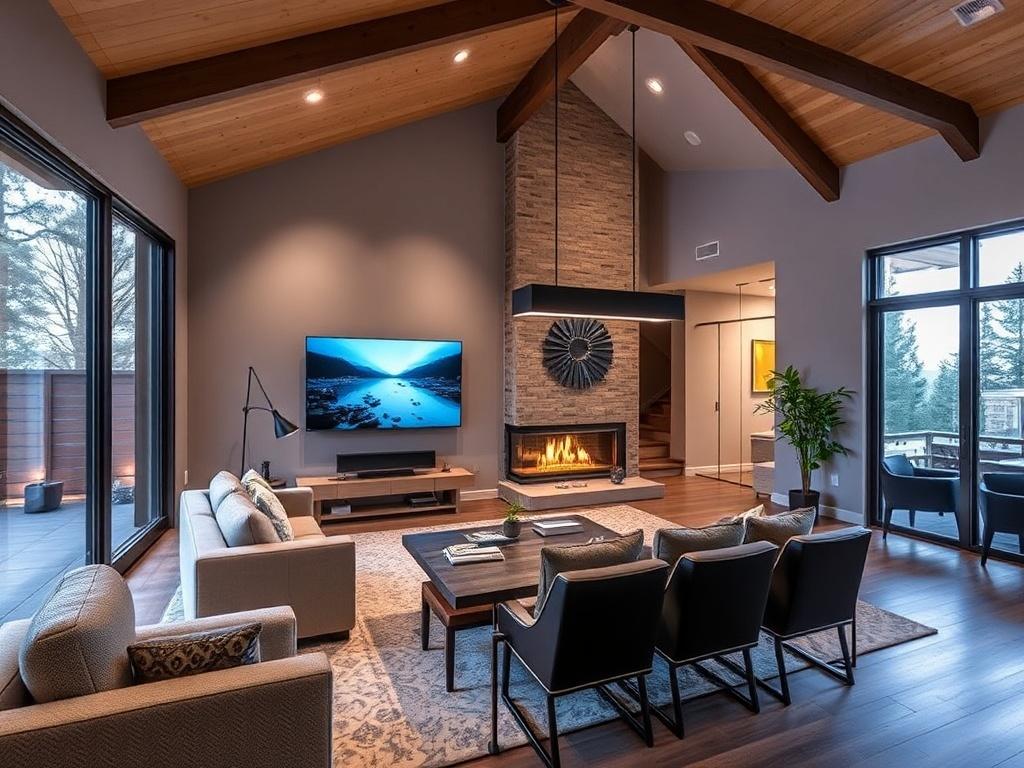
A frequent mistake is underestimating cable quantities. Running a single Cat6 to a room because “Wi‑Fi will handle it” often leads to frustration when a streaming box, smart TV, and game console all need reliable wired connections. Run extra pairs early; the marginal cost is low compared with future wall-opening.
A second pitfall is neglecting heat management in equipment racks. Amplifiers, switches, and network devices generate heat, and closets without ventilation can cause early hardware failures. Plan passive vents or a small, quiet exhaust fan tied to a thermostat.
Finally, poor change control undermines long-term maintainability. Accepting undocumented changes, unlabeled cables, or the use of many single-vendor proprietary components without backups makes troubleshooting costly. Insist on as-built documentation and a handover walkthrough with the homeowner.
Addressing these pitfalls requires leadership and clear specifications at the start of construction; the technical details are straightforward when the project is managed well.
Care and maintenance after handover
A smart home is not a “set it and forget it” project. Schedule periodic firmware updates, network audits, and physical inspections of camera mounts and locks. Simple maintenance prevents failures that often appear at the worst possible time — holidays, power outages, or when guests arrive.
Teach homeowners basic troubleshooting steps: power-cycle the router, check PoE injector status, and review logs for repeated device disconnects. Provide contact details for the integrator and a documented escalation path for issues that require a technician.
Consider a support contract for complex systems that includes remote monitoring, firmware management, and on-site service hours. Many owners appreciate the predictability of a modest annual fee in exchange for professional upkeep and quicker issue resolution.
When to retrofit vs. integrate during building
If you have the chance during construction, integrating smart systems then is almost always preferable to retrofitting later. Walls are open, conduit can be run cleanly, and the marginal cost of extra runs or conduit is low. Retrofitting is costlier, more disruptive, and often results in compromises.
There are exceptions: historical restorations, structural constraints, or budget timing may necessitate phased retrofits. In those cases, use surface raceways and modern wireless standards judiciously, and plan for concealed upgrades when larger renovations occur in the future.
Whatever the path, maintain the same discipline in planning: document intended future states, leave accessible junctions, and design temporary solutions as stepping stones rather than permanent compromises.
Smart Home Technology Integration During Building: a sensible approach
Smart Home Technology Integration During Building is not about chasing the latest gadget. It’s about thoughtful infrastructure, clear decisions, and disciplined execution so that technology enhances daily life rather than complicating it. A successful project balances immediate needs with flexibility for future innovations.
Start with a robust network, plan physical paths for growth, prioritize security and privacy, and coordinate trades from the beginning. When owners, builders, and integrators speak the same language, the finished home is durable, elegant, and genuinely smart in ways that matter every day.
Built with care, a smart home becomes an asset that supports comfort, safety, accessibility, and efficiency for years. The work during construction pays dividends daily — quieter systems, fewer surprises, and a home that feels like it was designed to work with the people inside it, not against them.